
Track Every Ad Click to a Booked Call: First-Party UTM Attribution for Lead Funnels
What Breaks Between the Click and the Call
You know how many clicks you paid for and how many calls got booked. What you usually cannot prove is which clicks became which calls.
The chain breaks in ordinary places. A visitor lands with UTMs on the URL, clicks through to a second page, and the parameters are gone. Your form posts to a CRM that never saw the ad data. The thank-you page is a different domain. By the time a lead becomes an appointment, the campaign that produced it is a guess.
Funnel Tracker fixes this by capturing the ad context as first-party data on your own page, holding it against a visitor session, and then matching that session to the lead when it arrives — even if the lead arrives somewhere else entirely.
Quick path: Funnel Tracker → create a tracker → copy the script → paste it on your landing page → submit a test lead
What Gets Captured
One script tag on the page captures the attribution context that ad platforms attach to a click.
Campaign parameters: utm_source, utm_medium, utm_campaign, utm_content, utm_term
Click identifiers: fbclid (Meta), gclid, wbraid and gbraid (Google), ttclid (TikTok), msclkid (Microsoft), li_fat_id (LinkedIn), epik (Pinterest)
Meta pixel cookies: _fbp and _fbc
Session context: landing page URL, referrer, device and user-agent detail, and a persistent visitor identifier
Two things worth noting. First, click identifiers are captured for several ad platforms, not only Meta — so the visit record stays useful even for channels SimpleCheck does not push events back to. Second, this is captured on your domain as first-party data, which is exactly why it survives the ad blockers and browser restrictions that break third-party tracking scripts.

Create a tracker for the domain you run ads to, then use its tracker ID in the script tag.
Installing It
Each tracker gets one script tag keyed to its tracker ID. Paste it on every page in the funnel — the landing page, any intermediate page, and the thank-you page.

Copy the generated snippet from the portal; the tracker ID identifies which tracker receives the data.
Trackers enforce a domain allowlist, so add every domain and subdomain you actually run pages on. A page on a domain that is not listed will be rejected, which is the most common reason a fresh install records nothing.
How a Lead Gets Matched to a Visit
This is the part that separates real attribution from wishful thinking. Funnel Tracker records how each lead was matched and how much to trust it:
Match method | How it happened | Confidence |
|---|---|---|
Same-origin form capture | The tracker saw the form submit on your page | Deterministic |
Explicit identify call | Your code called the tracker's identify or lead method | Deterministic |
Thank-you page URL | Lead details were read from the confirmation URL | Deterministic |
Inbound webhook with session ID | Your form passed the tracker's session ID through | Deterministic |
Inbound webhook with visitor ID | Your form passed the tracker's visitor ID through | Deterministic |
Inbound webhook matched on email | The email already existed in a captured session | Deterministic |
Probabilistic stitch | Best-effort match on IP, user agent, and time window | Probabilistic |
Webhook only | No session could be resolved; the lead stands alone | Unlinked |
Because every lead carries its match method, you can tell the difference between attribution you can defend in a meeting and attribution that was inferred. Most reporting tools hide this distinction. Treat probabilistic matches as directional and unlinked leads as unattributed rather than as zero-cost wins.
To get deterministic matching from a form that posts to your CRM instead of to SimpleCheck, pass the tracker's session and visitor identifiers through as hidden fields. That single step moves a lead from "probably this campaign" to "definitely this visit."
Works With Forms That Never Touch SimpleCheck
Funnel Tracker does not require the SmartForm widget. It has a secured inbound lead webhook, authenticated with the tracker's own secret, so a Typeform, a CRM automation, or a Zapier step can hand a lead over and have it matched against the visit that produced it.
That means you can adopt attribution before you change anything else about your funnel. Keep your form, keep your CRM, add the script and the webhook.
If you also want SimpleCheck to make the routing decision for that form, see Keep Your Own Form.
Feeding Qualified Conversions Back to Meta
Capturing the journey is half the loop. The other half is telling Meta which leads were actually worth having.
A tracker can be configured to trigger Meta actions when a lead is captured or matched, using the same Conversions API delivery as Pixel Wiring. The practical effect is that the identifiers collected at click time — fbclid, _fbp, _fbc, email, phone — travel with the server-side event, which is what lets Meta connect the conversion to the right person.
The two features do different jobs and work best together:
Funnel Tracker | Pixel Wiring | |
|---|---|---|
Primary job | Explains the journey | Delivers the event |
Scope | Any page you install it on | SmartForm and CRM triggers |
Captures UTMs and click IDs | Yes | Uses what was captured |
Sends Meta CAPI events | Yes, when configured | Yes, as its main purpose |
Lead-to-visit matching | Yes, with recorded confidence | No |
For the delivery side, read Pixel Wiring Studio. For whether it replaces your current tracker, read Do You Still Need Hyros or Cometly?.
Reading the Results
The tracker's results view shows sessions, events, and matched leads with their attribution detail.

Review captured sessions and matched leads with the campaign detail recorded for each one.
Three checks that tell you whether the install is healthy:
- Sessions are being created — if this is empty, the script or the domain allowlist is wrong.
- UTMs are populated — if sessions exist but campaign fields are blank, your ads are not passing parameters.
- Leads are matching deterministically — if everything is probabilistic, add the hidden session and visitor fields to your form.
Pair this with your Reports and Bookings & Leads views to connect campaign detail to what your team actually worked.
What This Does and Does Not Replace
It can take over first-party page-journey tracking, UTM and click-ID persistence, lead-to-visit matching with stated confidence, and Meta CAPI feedback for lead funnels.
It does not replace multi-channel attribution modeling across every platform you buy on, call tracking, lifetime-revenue and cohort modeling, or multi-client agency reporting. If those are why you pay for a dedicated platform, keep it.
Being straight about this matters more than the pitch. Funnel Tracker gives you defensible click-to-lead attribution for the funnels you run. It is not an analytics suite.
See Funnel Tracker Live
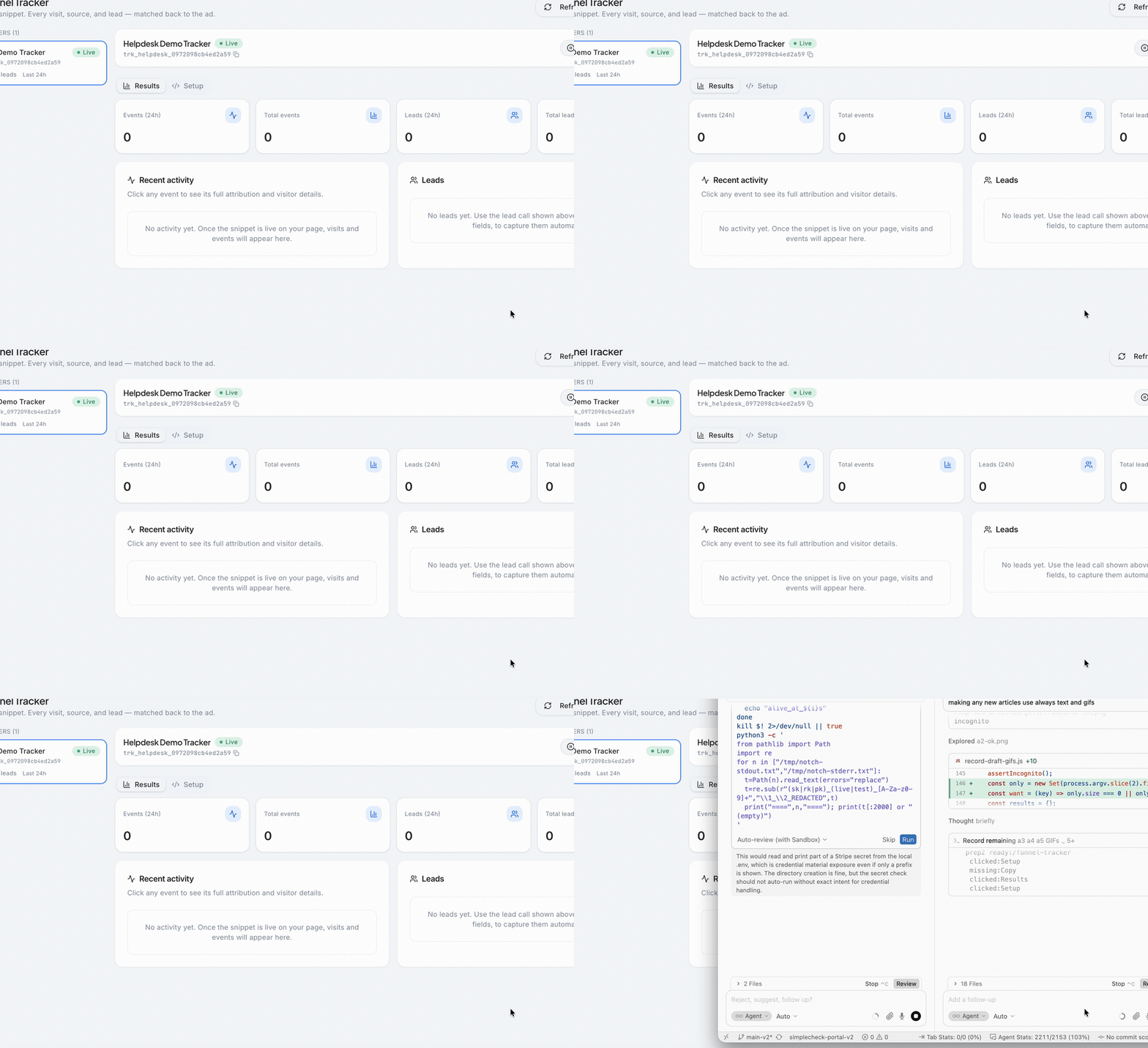
Create a tracker, open Setup for the install snippet, then use Results to confirm sessions and matched leads.
Troubleshooting
No sessions are recorded
Check that the page domain is on the tracker's allowlist, including the exact subdomain, and that the script tag carries the right tracker ID.
Sessions exist but UTMs are empty
The ads are not sending parameters. Install the Meta URL parameter template from Pixel Wiring, publish the ad, and test from the real ad or preview URL rather than typing the landing page address.
Every lead matches probabilistically
Nothing deterministic is being handed over. Add the tracker's session and visitor IDs as hidden fields on the form, or use the same-origin capture.
Leads appear with no session at all
The lead arrived through the webhook without identifiers and no email match existed. Confirm the tracker script runs before the form is shown.
Attribution stops after a page change
The script must be present on every page in the funnel, including intermediate steps and the thank-you page.
Meta events show missing match data
Confirm the tracker captured _fbp and _fbc on the landing page, then check the run detail in Pixel Wiring's Run History.
Next Steps
- Open Funnel Tracker and create a tracker for your ad landing domain.
- Install the script on every page in the funnel and add all domains to the allowlist.
- Add the Meta URL parameter template to your ads so clicks arrive with identifiers.
- Submit a test lead and confirm the match method is deterministic, not probabilistic.
- Connect the loop with Pixel Wiring Studio so qualified leads become optimization signal.
Funnel Tracker is part of the same access group as Pixel Wiring. If it is missing from your sidebar, contact support to confirm the feature is enabled for your account and your portal user.
Updated on: 26/07/2026
Thank you!